Images often contain valuable information.
It could be screenshots, infographics, diagrams, or visual notes. But turning that information into a structured presentation is not straightforward.
You have to interpret the image, extract key points, and then manually create slides.
I wanted to simplify this process.
So I tested converting images directly into presentations using AI.
Here is the workflow.
The Problem with Image to Slides
Images are visual, not structured.
Even if they contain clear information, you still need to:
- Analyze the content manually
- Extract key ideas
- Convert visuals into text
- Create slides from scratch
This makes the process slow and inefficient.
The AI-Based Workflow
Instead of manually interpreting images, I used a direct conversion approach:
Input: Image or screenshot
Output: Structured presentation
The goal is to extract information from visuals and convert it into slides automatically.
Step-by-Step: Convert Images into Slides
Step 1: Prepare Your Images
You can use:
- Infographics
- Screenshots
- Diagrams
- Notes captured as images
Clear and high-quality images produce better results.
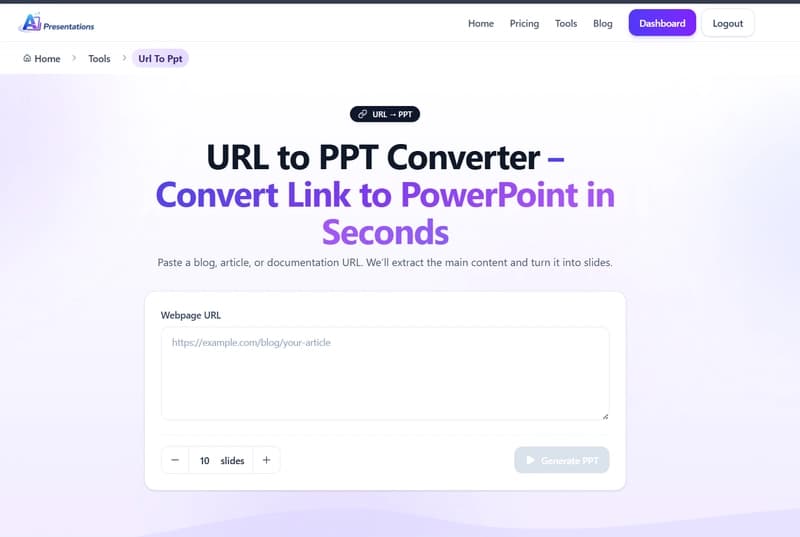
Step 2: Use an Image-to-Presentation Tool
To automate the process, I used
Image to Presentation Converter by AI Presentations App

Step 3: Generate Slides
Once the image is processed, the system:
- Extracts text from the image
- Identifies key elements
- Structures content into slides
- Converts information into bullet points
This removes the need for manual interpretation.
Step 4: Review and Refine
After generation, I made a few adjustments:
- Cleaned up extracted text
- Simplified content where needed
- Adjusted slide flow
Then exported the final presentation.
What Actually Improves
The biggest benefit is reducing the effort required to convert visual information into structured content.
Instead of manually analyzing images, you start with a ready-to-edit presentation.
Where This Workflow Fits
This approach is useful for:
- Converting infographics into presentations
- Turning screenshots into slides
- Reusing visual content
- Creating presentations from visual notes
Limitations
There are some constraints:
- Low-quality images may reduce accuracy
- Complex visuals may need manual adjustments
- Layout and design may require refinement
Final Thoughts
Images contain valuable information, but extracting it manually takes time.
With an automated workflow, you can convert images into presentations quickly and focus on refining the output.
If you want to try this approach, you can use the tool here:
https://www.aipresentations.app/tools/image-to-ppt