Five years ago, "which AI model should I use" had a one-line answer. Today there are at least 12 frontier-tier models and the wrong pick will either bankrupt you on tokens or cripple your agent on the tasks that matter most.
This is the framework I use when wiring a model into a new agent.
Step 1: Define the workload, not the wishlist
People pick models based on the leaderboard. That's wrong. What matters is the distribution of tasks your agent runs — which is rarely uniform.
Most production agents look like this:
- 70% trivial calls — formatting, classification, "is this email a calendar invite?", short replies
- 20% medium calls — summarization, reasoning over a few documents, drafting in your voice
- 10% hard calls — multi-step planning, debugging, code generation, long-context analysis
If you optimize for the 10%, you'll pay 10x more on the 70% you didn't have to. If you optimize for the 70%, your agent will fail visibly the first time it hits a hard task.
So before you pick a model: write down what your agent actually does in a typical day. Be specific about volume per task type.
Step 2: Match the dimension that's binding
For each task class, one of these dimensions is the binding constraint. Pick the model that wins on that dimension, not on overall benchmark.
Latency. Anything user-facing — chat UIs, voice agents, anything where a human is waiting. Below 3 seconds feels instant; above 10 feels broken. Pick a fast model: Gemini 3 Flash (250+ t/s), Grok 4.20 (168 t/s), GPT-5.4 mini xhigh (151 t/s). Full latency breakdown →
Cost. Anything high-volume — log classification, document tagging, summarizing 1,000 emails a day. Pick a cheap model: MiniMax-M2.7 ($0.53/M), Qwen3.6 Plus ($1.13/M), GPT-5.4 mini ($1.69/M). Cheap-but-capable models →
Reasoning depth. Multi-step planning, debugging, complex analysis. Pick a flagship: Claude Opus 4.7, GPT-5.4 xhigh, Gemini 3.1 Pro. The 7-point intelligence-index gap to mid-tier models is invisible most of the time but decisive on edge cases. Top model deep-dive →
Context window. Documents over 100k tokens, full codebases, long conversation histories. Gemini 3.1 Pro at 2M tokens is the only frontier model that holds quality past 500k. Long-context comparison →
Code generation. Pick GPT-5.3 Codex xhigh or Claude Opus 4.7. Kimi K2.6 (open-weight) is genuinely competitive at 12x lower cost if you can self-host. Best models for coding →
Vision. GPT-5.4 xhigh wins. Reasoning over screenshots, diagrams, charts is its strongest dimension.
Multilingual / non-English. Qwen3.6 Plus and Gemini 3.1 Pro lead, especially for CJK scripts.
Refusal-resistance. Security research, medical/legal questions, adult creative work. Grok is the most permissive in 2026; Claude and Gemini are the most cautious.
Step 3: Don't pick one model
This is where most teams go wrong. They pick a single "winner" and route everything through it. In 2026 that's expensive and limiting.
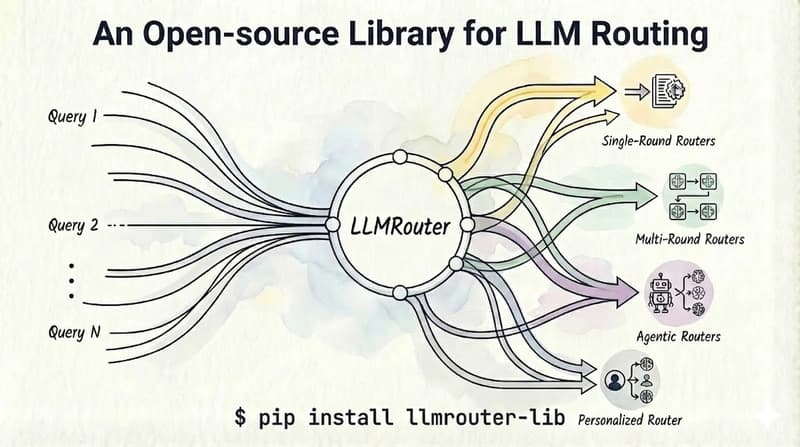
The smarter pattern: route per task. Simple chat → Gemini 3 Flash. Reasoning → Claude Sonnet 4.6 or Opus 4.7. Code → GPT-5.3 Codex. Long docs → Gemini 3.1 Pro. We cover the routing patterns in detail in How to Mix Fast and Deep Models in One Agent →.
Step 4: Test on your tasks, not benchmarks
Benchmarks are directionally useful. They don't tell you which model is best at your specific work. A model that scores 57 on Intelligence Index might be terrible at your domain because your domain wasn't well represented in its post-training data.
A 30-minute eval beats two weeks of benchmark research. Take 20 representative tasks from your workload. Run them through 3–4 candidate models. Score the outputs yourself or have a teammate blind-rate them. The right answer usually surfaces in the first 10.
Step 5: Plan for switching
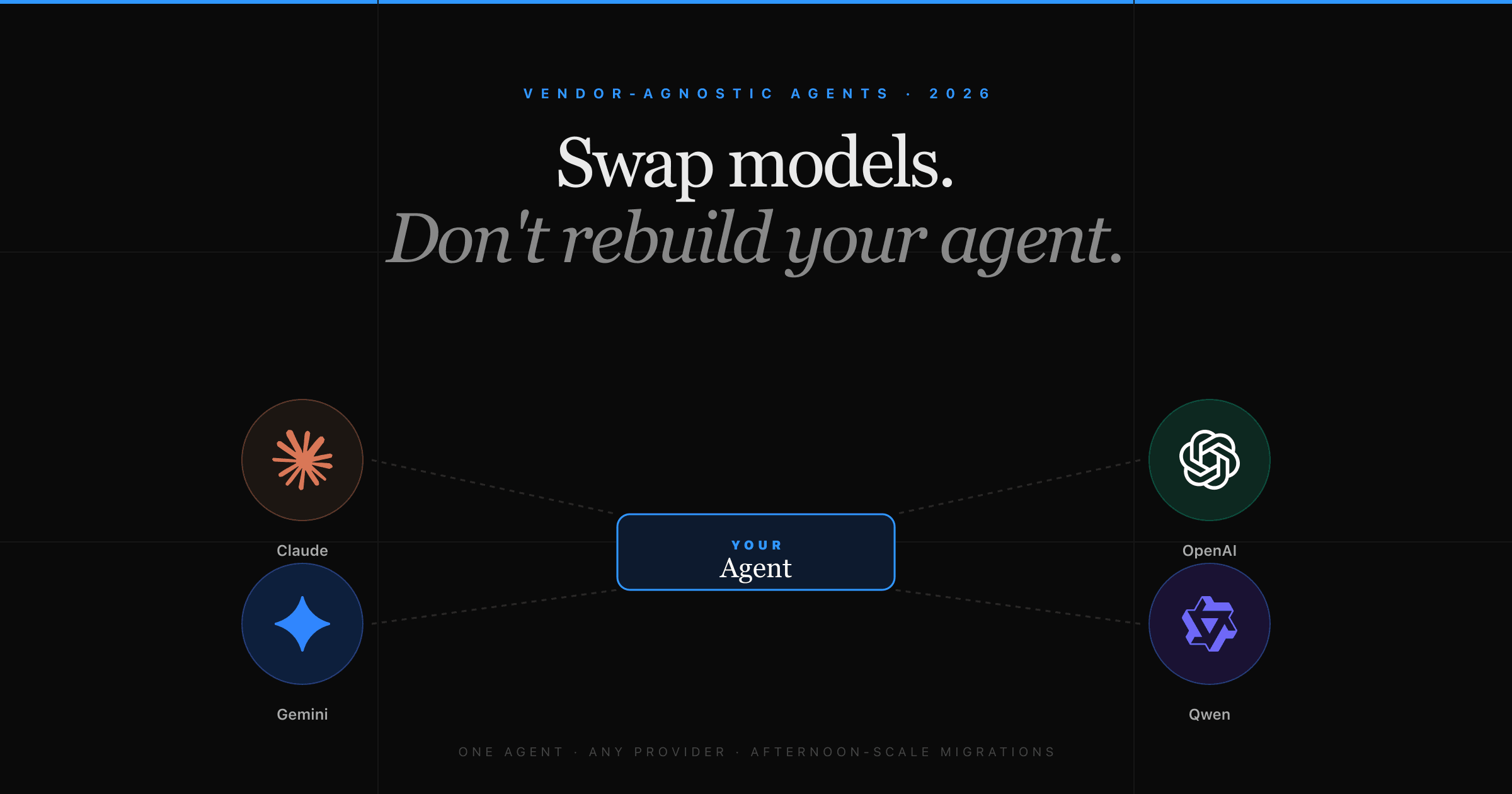
Whatever you pick today is wrong in six months. The frontier is moving fast — every release shifts the price/performance curve. The teams that win don't pick the best model now; they pick a setup that lets them swap models cheaply when something better ships. How to switch models without rebuilding your agent →
Quick reference by use case
- Default pick → Claude Sonnet 4.6 or Gemini 3.1 Pro (best intelligence/price balance)
- Hardest reasoning → Claude Opus 4.7 or GPT-5.4 xhigh
- High-volume cheap tasks → MiniMax-M2.7 or Qwen3.6 Plus
- Latency-critical UX → Grok 4.20 or Gemini 3 Flash
- Long documents (>500k tokens) → Gemini 3.1 Pro (only one that holds quality)
- Code → GPT-5.3 Codex xhigh or Claude Opus 4.7
- Vision → GPT-5.4 xhigh
- Non-English → Qwen3.6 Plus or Gemini 3.1 Pro
The shortcut
If you don't want to build all of this yourself, Klaws does the routing for you out of the box. Simple tasks land on Gemini 3 Flash, complex reasoning on Qwen 3.6 Plus or Claude Opus, code on Codex, long documents on Gemini Pro — and you pay flat credits instead of juggling six provider accounts.
It's also why agents on Klaws cost a fraction of what the same workload would cost wired directly to one provider: the router skips the flagship for the 70% of tasks where it's overkill.
For specific head-to-heads: Claude Opus 4.7 vs GPT-5.4, Gemini 3.1 Pro vs Claude Opus, and the full 2026 leaderboard breakdown.