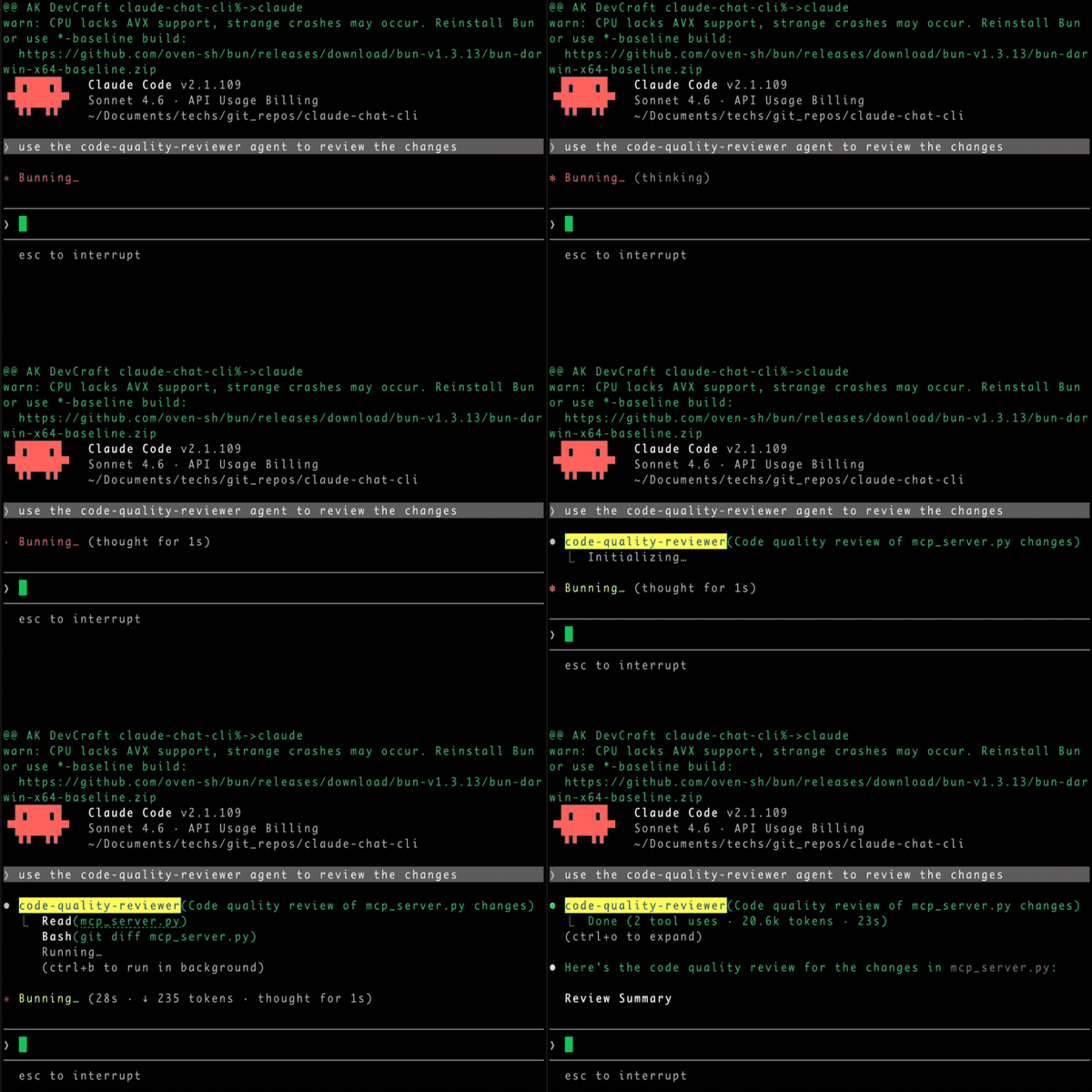
| Been experimenting with running OpenAI's privacy filter model on mobile through ExecuTorch. Sharing in case it's useful to others working on similar problems. Setup: The model handles arbitrary text — emails, documents, chat logs, pasted notes, transcripts — and flags sensitive content reasonably well across all of them. Quality holds up better than I expected; it catches the kinds of PII and sensitive material you'd actually want flagged, not just trivial pattern matches. Privacy filtering is one of those tasks where sending the text to a cloud API to check whether the text is sensitive has always been a bit backwards. The class of inputs this is most useful for — drafts, internal docs, exported chat history, scanned/OCR'd documents — is exactly the stuff people are most reluctant to send off-device. Running it locally lines up the privacy guarantee with the actual use case. [link] [comments] |
Got OpenAI's privacy filter model running on-device via ExecuTorch
Reddit r/LocalLLaMA / 4/27/2026
💬 OpinionDeveloper Stack & InfrastructureTools & Practical UsageModels & Research
Key Points
- A developer reports running OpenAI’s privacy filter model directly on a mobile device using ExecuTorch, sharing their setup details and results.
- The on-device pipeline requires about 600 MB of RAM and is integrated via react-native-executorch.
- The model is said to flag sensitive information like PII and confidential material across varied inputs (emails, documents, chat logs, pasted notes, and transcripts) with better-than-expected quality.
- The author argues that local privacy filtering better matches real-world privacy needs than sending text to a cloud API for sensitive-content checks, especially for drafts and internal/exported documents.
- The post is framed as a practical reference for others attempting similar on-device privacy or sensitive-data detection workflows.