
Ollama をlaunchdで常駐させたら Mac がフル稼働になった話——KeepAlive の罠と2日かかった原因特定
Zenn / 5/3/2026
💬 OpinionDeveloper Stack & InfrastructureTools & Practical Usage
Key Points
- Ollama を macOS の launchd で常駐(KeepAlive)させたところ、Mac がフル稼働する事象が発生した。
- 常駐設定で思った通りに落ち着かず、KeepAlive の挙動が原因の罠になっていたと説明している。
- フル稼働の原因特定に 2 日かかり、設定内容の確認と切り分けを通じて問題の所在を絞り込んだ。
- launchd/KeepAlive を使う際は、再起動条件や常時稼働になり得る挙動を前提に検証する必要がある。
⏱この記事は約 7 分で読めます
📖 目次
📌 何が起きたか
📌 環境
📌 詰まったポイント
📌 解決までの手順
📌 試してわかったこと
📌 まとめ
最終更新: 2026-04-28
何が起きたか
Ollama を launchd で常駐させてから、作業中に Mac の風切り音 Python スクリプト常駐化の環境設定チェックリストが急に大きくなり始めた。Activity Monitor を開くと ollama_llama_server が CPU 80~110% を常時食っている。モデルを使っていないのに。私は「KeepAlive=true にしとけば楽」と思って設定した pl...
Continue reading this article on the original site.
Read original →Related Articles

Black Hat USA
AI Business
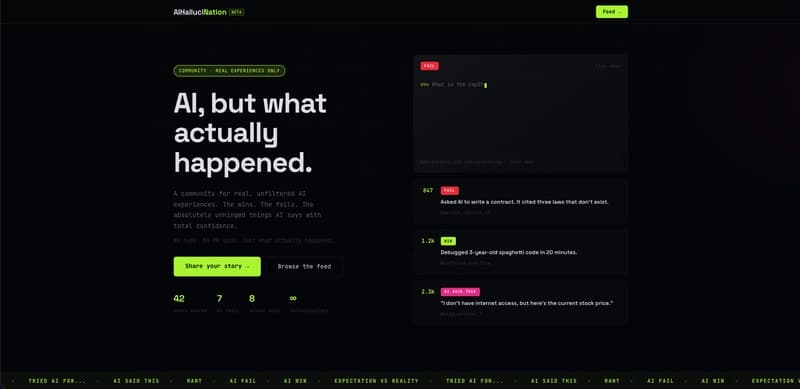
I used AI to moderate AI content — here's what I learned building AIHallucination
Dev.to
Stop Googling Prompts — Here's the Freelancer AI Toolkit That Actually Works
Dev.to
AI Powered Scheduling for Field Operations by Pablo M. Rivera
Dev.to
AI Deleted My Tests and Said 'All Tests Pass' — A Horror Story from Porting 'typia' from TypeScript to Go
Dev.to


